

What is
Cook & Book?


The Cook & Book app was born to support foodies around the world. It aims to create deep connections between people who strive for the same passion for food and conviviality. Therefore, C&B has the features of social media and the tools of a cookbook.
design Process
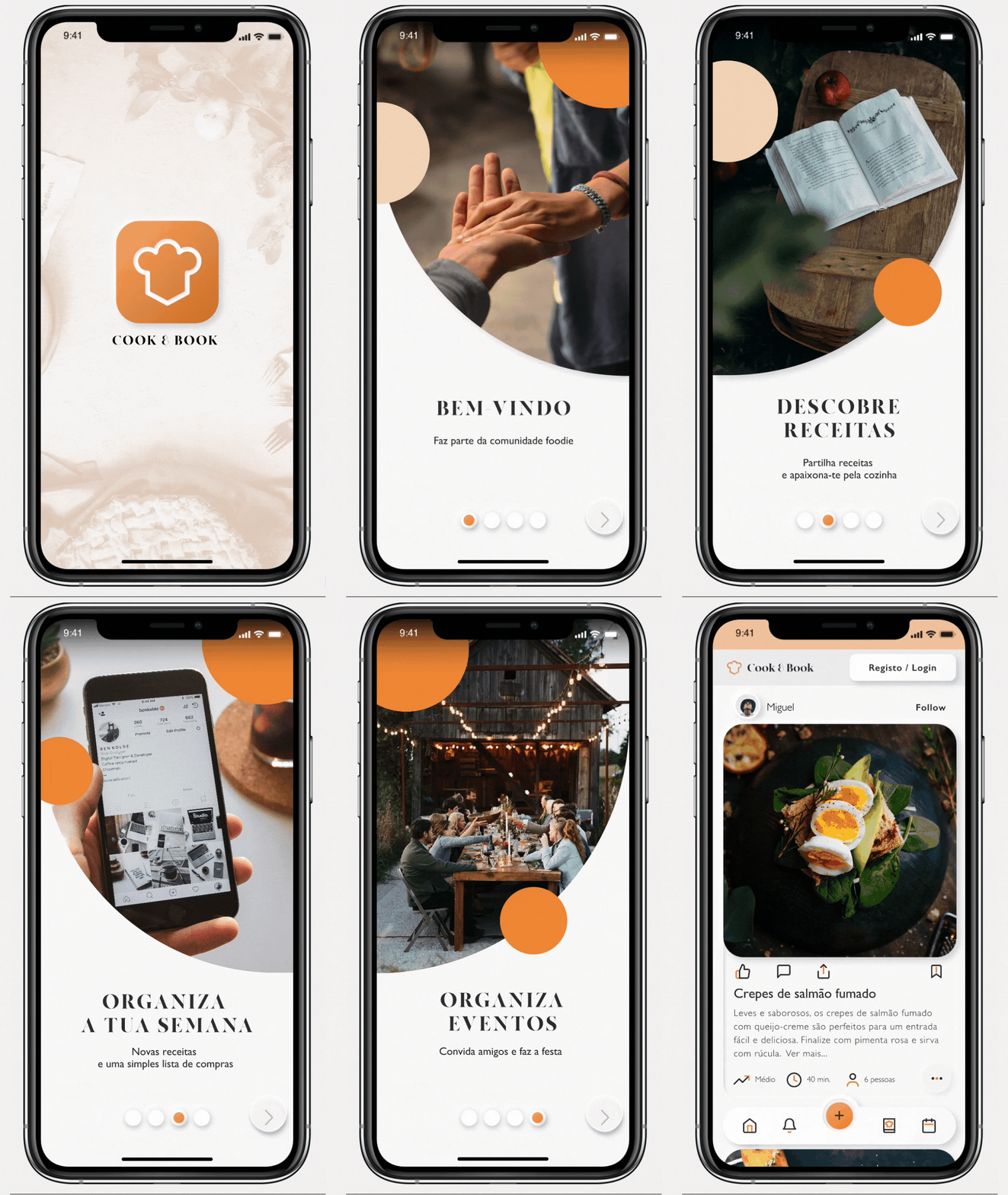
This project was a team effort made by four very skilled individuals training to be UX/UI designers.
user Surveys
RESEARCH
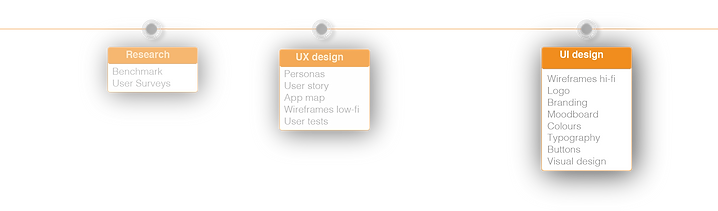

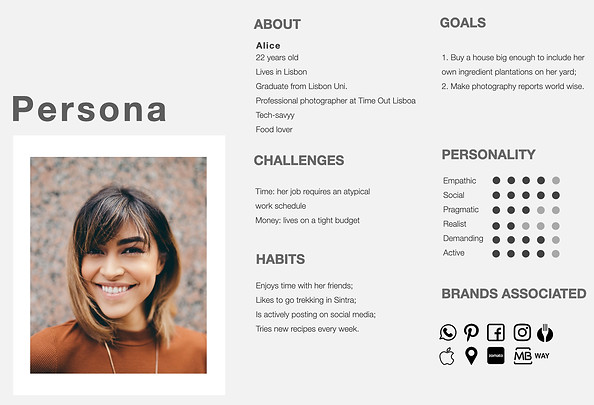

After a brief survey, it was possible to understand who was our best target. People who like to try new types of gastronomies, who enjoy to cook and experiment with new recipes. The kind of person who almost never says no to a get-together. That is how Alice surged.
RESEARCH

user Needs
From here, we outlined User Needs. This step was important to further develop app features.
UX DESIGN

app Map
Wireframes Lo-fi
UX DESIGN
UX DESIGN
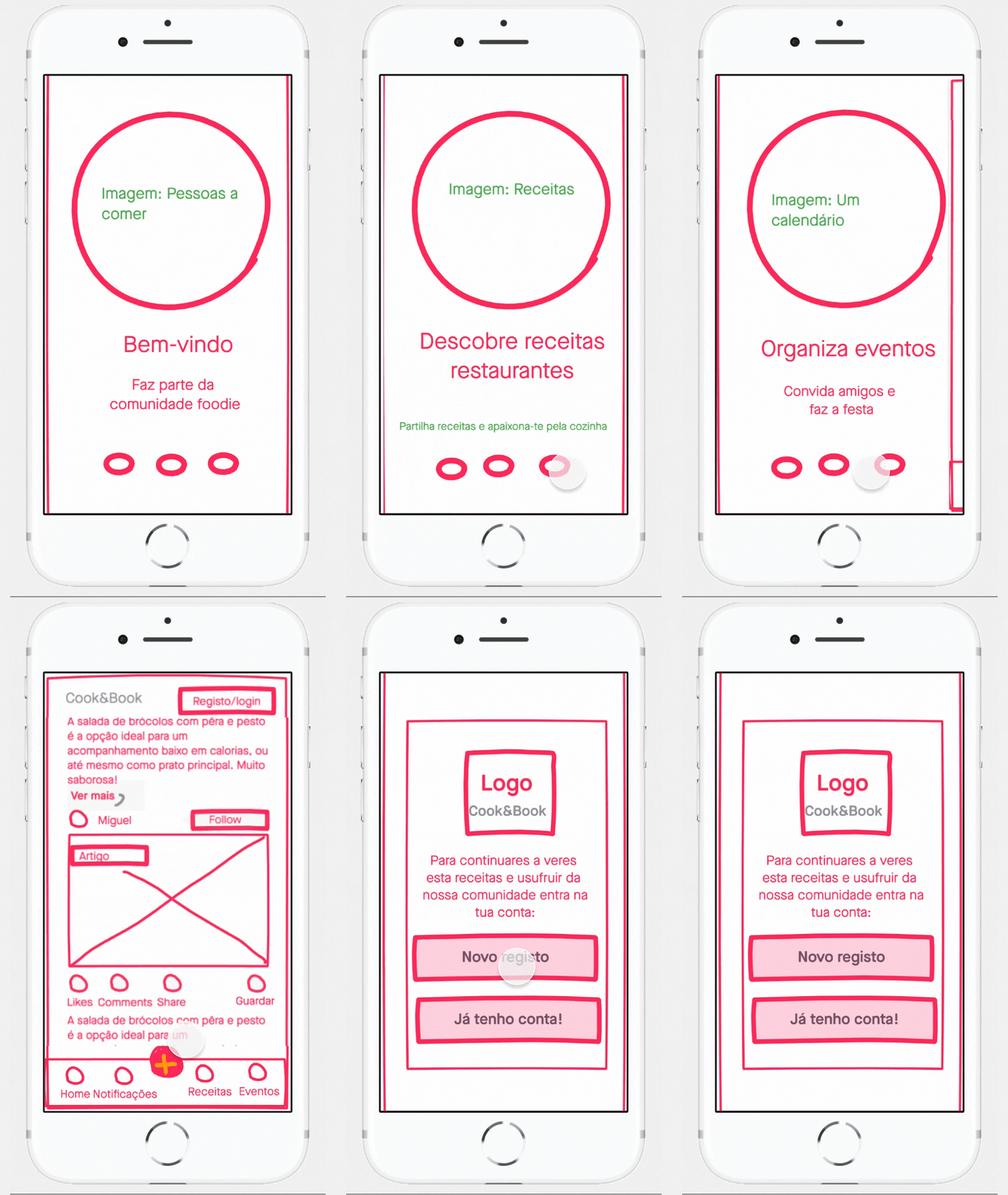
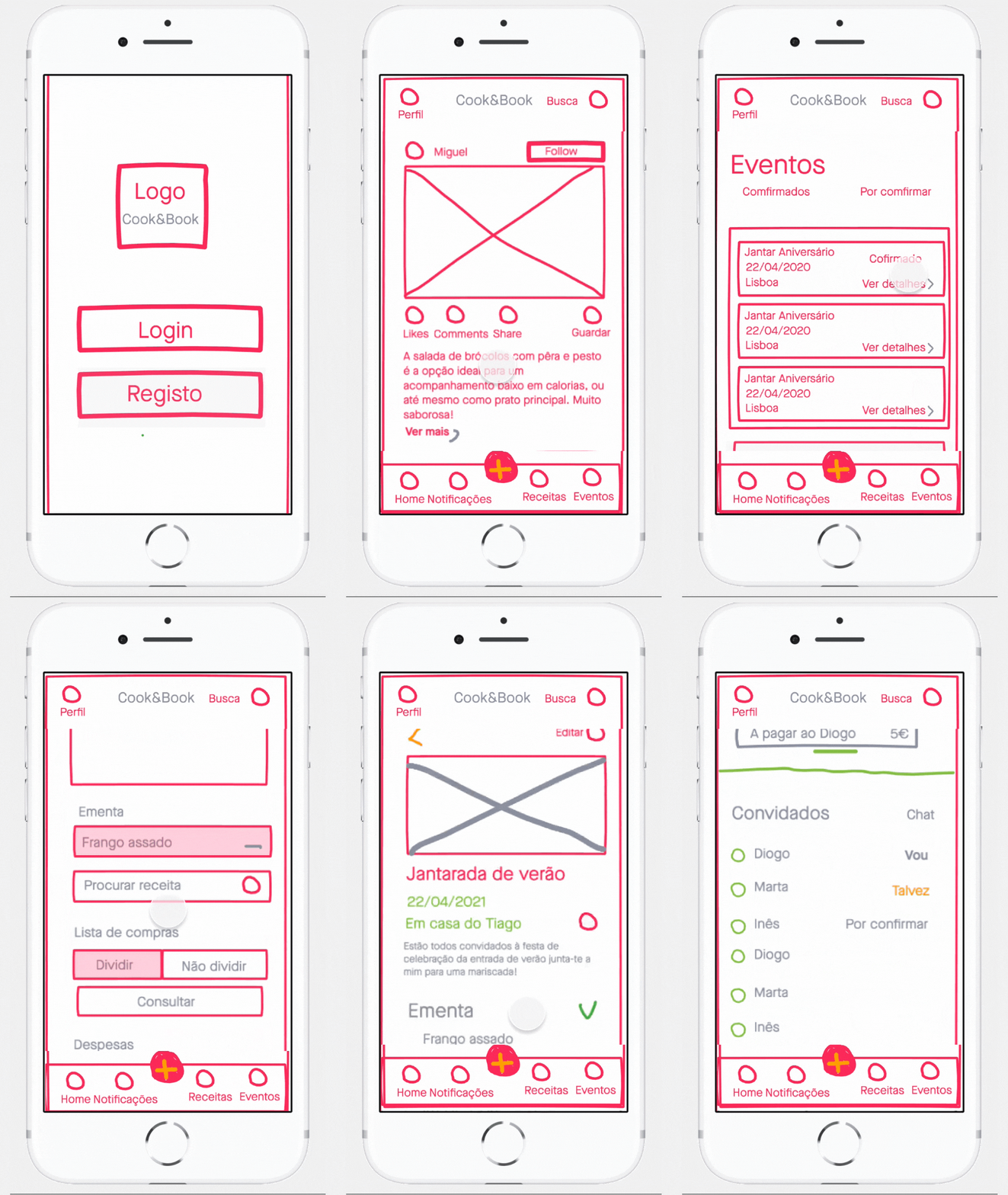
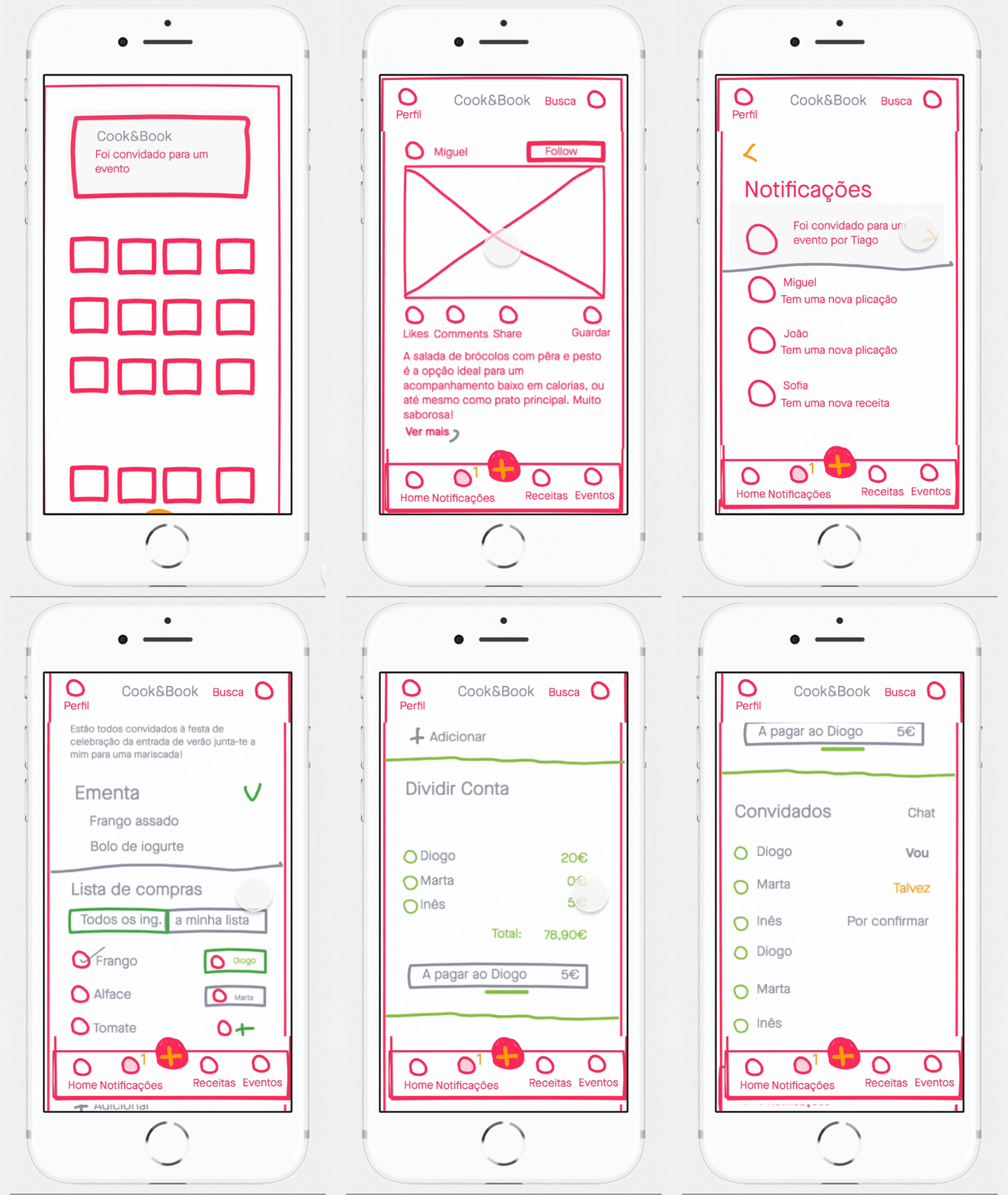
We conducted user tests twice. The first test was made with wireframes low-fi, then the second was performed with wireframes hi-fi.
Among other conclusions, we realised that the event CTA was not notorious and there were also a few layout issues reported by our participants. The biggest problem noted was on the confirmation note, which was not intuitive enough.
While not logged in.
Booking an event.
Confirm the event.
UI DESIGN
Branding

UI DESIGN
Moodboard
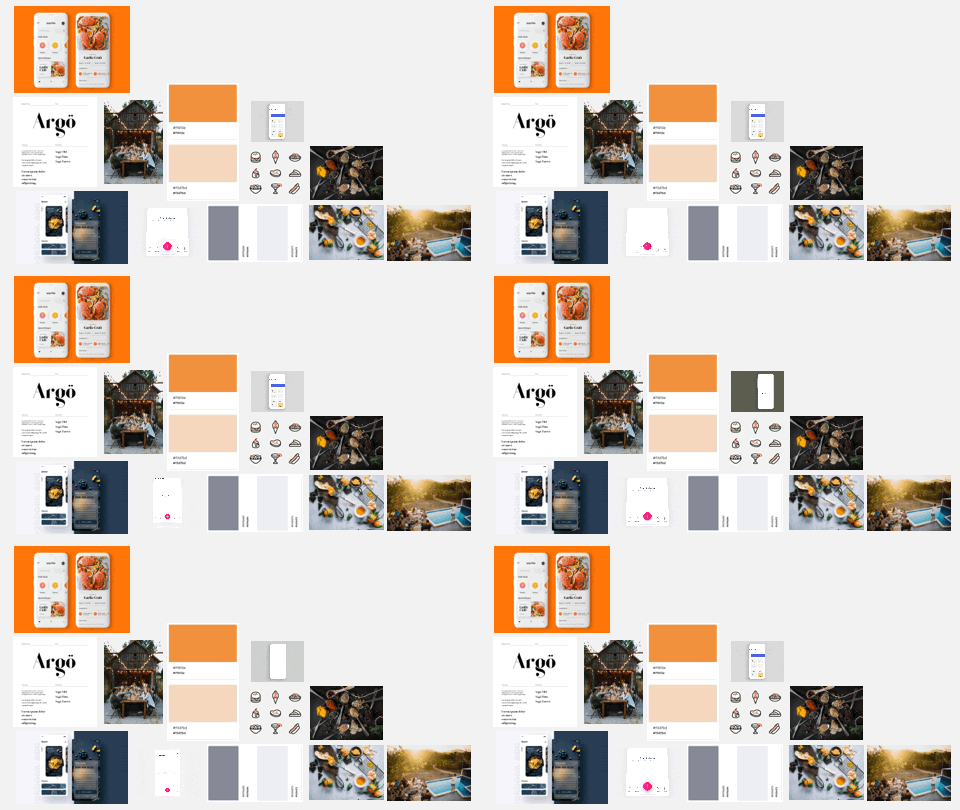

This board helped us to get visual inspiration.
Marketing Executive

UI DESIGN
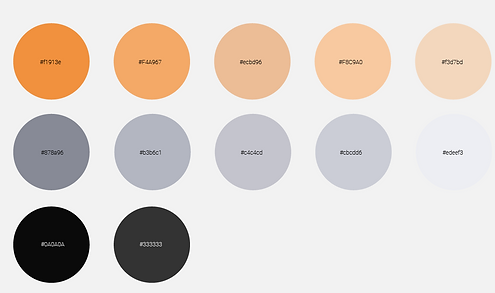
Colour palette
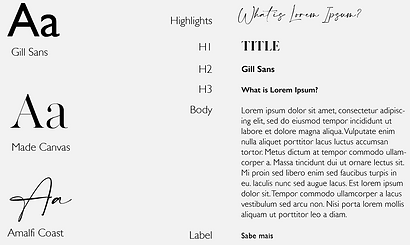
Typography
UI DESIGN
UI DESIGN
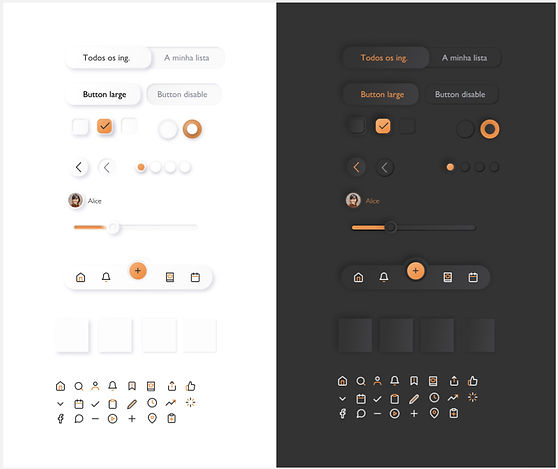
Buttons
The mobile App
VISUAL

Once logged in, the Homepage presents to users an infinite feed of recipes that were shared by their followers: friends and professional cooks.

To check further details of each recipe, users must press the recipe image-
Share
Like
Comment
How to book dinner with friends:
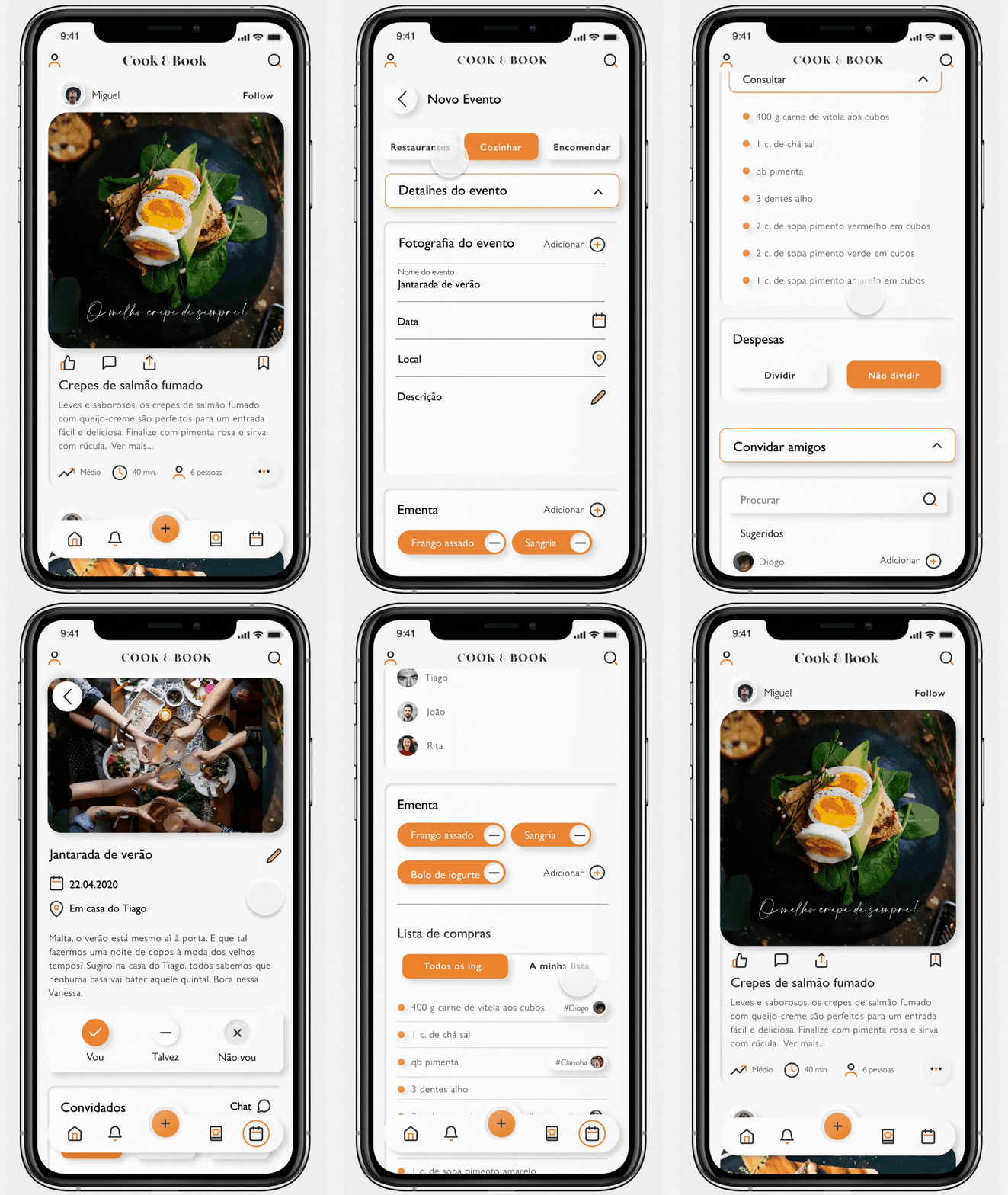
Search other recipes, filtered by #. Or people, by typing their name.
Add ingredients to your shopping list.
1.
Go to events.
(button more to the left on the central menu)
2.
Press New event.
3.
Fill out the event form:
- Choose the type of event
- Decide when and where
- Choose a food menu
- Invite friends
- Decided if you're splitting the bill
-
4.
Create event!
Thank you for watching!
Check another project: